Build → Submit → Review → Store update
App StoreGoogle Play
Use the store release process for native code, new permissions, SDK changes and other changes requiring review. Customers install the new version through the store.
 DevConsole
Integration support: DevConsole supplies project credentials and event logging. OTA bundle publishing and delivery require your separately configured update platform; no built-in update distribution engine is implemented.
Update supported parts of your app without submitting a new version to the Apple App Store or Google Play.
Deliver eligible JavaScript fixes, screen changes and assets through a compatible update integration. Keep customers on your latest supported experience without asking them to download a new store version.
Requires an update SDK already included in your app. Native changes and changes requiring store review still need a store release. Delivery timing depends on connectivity and your app’s update settings.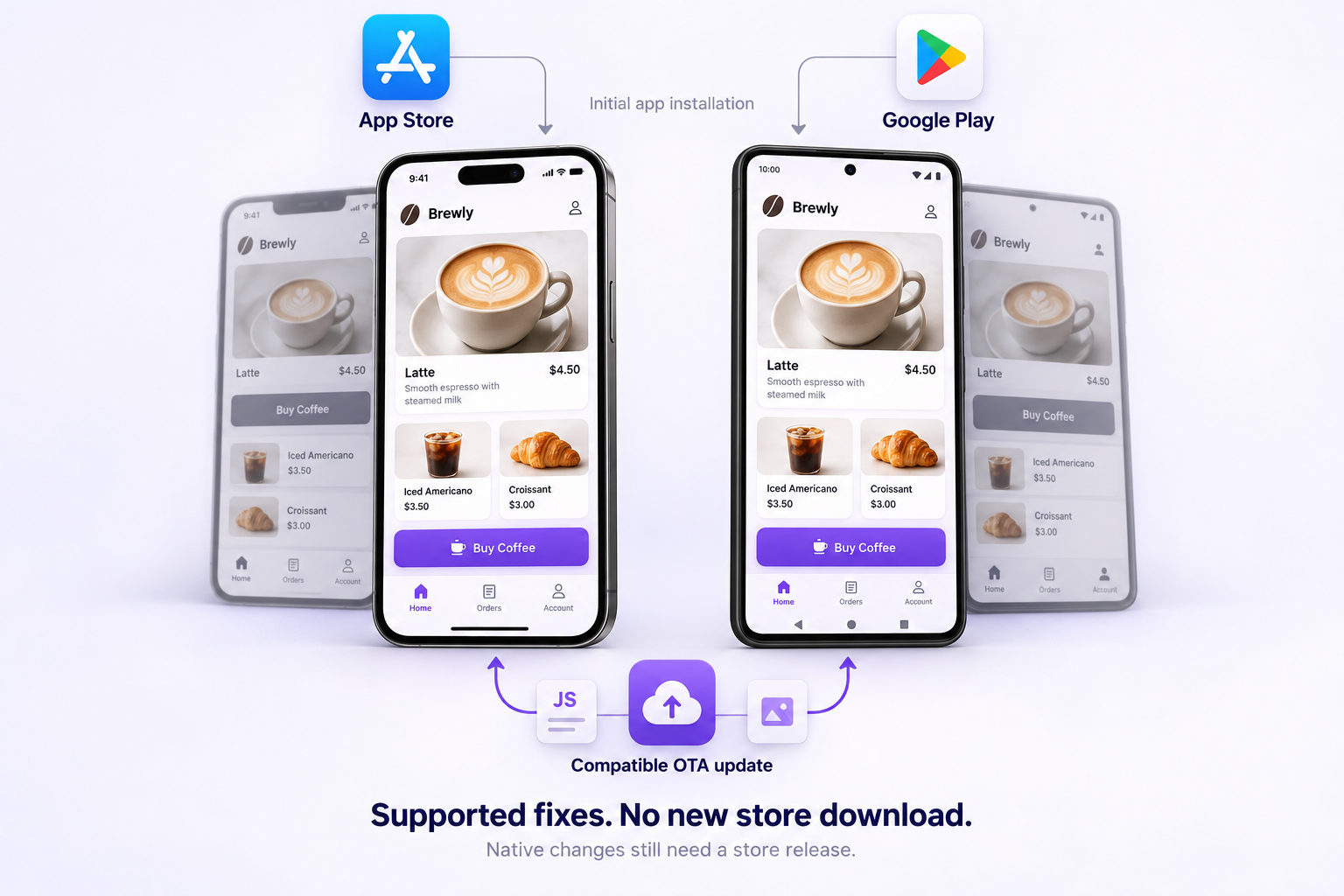
Illustrative mockups · App Store and Google Play are third-party platforms. No affiliation or endorsement.
Use the store release process for native code, new permissions, SDK changes and other changes requiring review. Customers install the new version through the store.
Your already-integrated app retrieves a compatible update through its update engine. No new store download is needed for that eligible change.
Requires a compatible runtime. Update timing and store policy restrictions still apply.Correct eligible JavaScript bugs within the capabilities of your installed app runtime.
Adjust supported layouts, text and styling without rebuilding the native application.
Deliver compatible asset changes as part of your update integration.
Your app is already installed. A bug in its existing JavaScript flow stops a button from working. Your developer fixes the code and publishes a compatible OTA update through your connected update platform.
The app checks for updates and applies the fix according to its configured update behavior—often on a subsequent launch. The customer does not need a new store download for that eligible change.
Already installed app
No new store version for an eligible change
No request for the customer to reinstall
Existing native runtime stays in place
Your developer integrates a compatible update SDK and publishes the initial app build through the normal store process.
Select monthly or yearly paid access for one project. Review your price and invoice.
Create your DevConsole project and service key. Configure your app’s update engine and publishing workflow; credentials alone do not install an update engine.
Prepare and test the change through your update platform. Your app retrieves and applies it according to its update configuration.
Eligible fixes, adjustments to existing screens and assets that your installed runtime can support and store policies permit.
Native code or modules, SDK changes, new permissions, runtime changes and other changes requiring Apple or Google review.
OTA does not bypass store policies or permit unreviewed changes that those policies prohibit. Your developer must assess each release.
Apple guidelines ↗A project API URL and one active key per service. Revoke the current key before generating a replacement.
Basic is intended for testing your integration in development or staging. Production is intended for your live, customer-facing app.
Monthly or yearly one-time purchases for one project, with no automatic renewal on new purchases. Final prices are shown in Plans.
Confirmed payment unlocks your paid plan and generates an invoice. KWD displays are estimates; checkout is charged in INR.
No. Only eligible changes supported by your installed runtime and permitted by store policies may use this path. Native changes and changes requiring review need a new store release.
No. Updates depend on connectivity, app update checks and when your integration applies them. Some configurations apply an update on the next app launch.
No. Your app needs a compatible OTA runtime and SDK. An existing app without that integration needs a new app build first.
No. DevConsole provides the project workspace, credentials and service access. Your developer must configure a compatible update engine and publishing workflow.
New accounts do not receive a free trial. Choose a monthly or yearly paid plan. Contact info@devconsole.top before purchase if you need help assessing your integration.
Explore OTA App Updates for your project.
Choose your plan